1.5.2 Start Turtlesim
ros2 run turtlesim turtlesim_node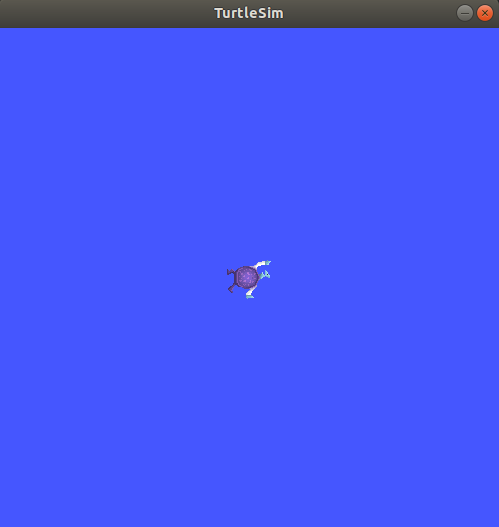
Last updated
ros2 run turtlesim turtlesim_nodeLast updated
[INFO] [turtlesim]: Starting turtlesim with node name /turtlesim
[INFO] [turtlesim]: Spawning turtle [turtle1] at x=[5.544445], y=[5.544445], theta=[0.000000]