ROS 2 Services tutorials
In ROS 2, Services provide a way for nodes to communicate in a request-response manner, similar to a function call in programming. One node sends a request, and another node responds. This is useful when you need a one-time communication, such as requesting the current state of the robot's battery.
Services are another method of communication for nodes in the ROS graph. Services are based on a call-and-response model versus the publisher-subscriber model of topics. While topics allow nodes to subscribe to data streams and get continual updates, services only provide data when they are specifically called by a client.
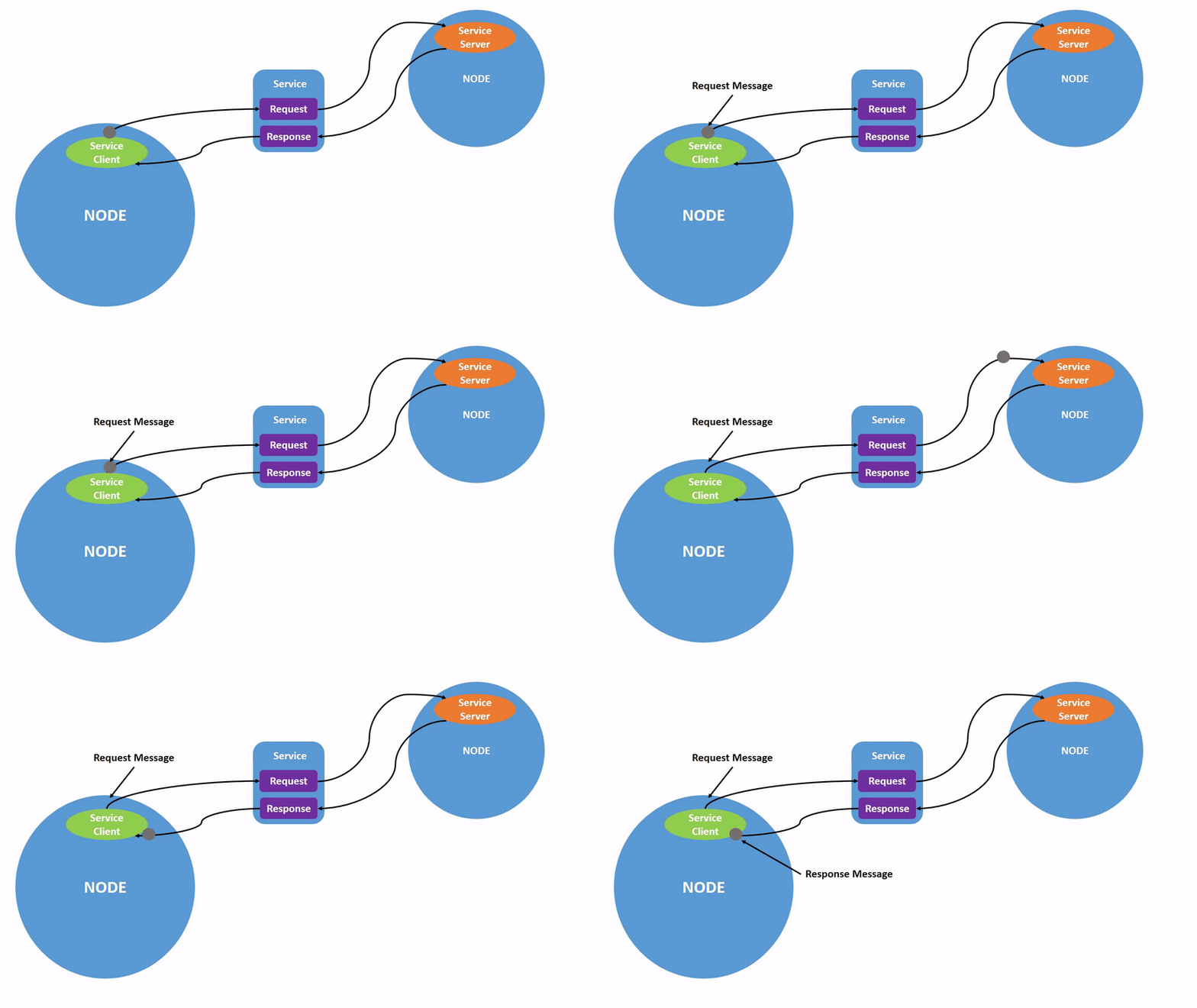

Example: Creating a Service Server and Client
Let's create a simple service to get the square of a number.
Service Definition: First, we need to define a service type. ROS 2 comes with several built-in service types, but we'll use a basic one here:
example_interfaces/srv/AddTwoInts.Create a Service Server:
Open a new file
simple_service_server.pyand add the following code:
Create a Service Client:
Open another file
simple_service_client.pyand add the following code:
Run the Server and Client:
First, in one terminal, run the service server:
In another terminal, run the service client:
The client will send two integers (5 and 10), and the server will respond with the sum (15).
Last updated